

Robot Listing Practice: Availability and Item Condition
2026-11-04
Robot Listing Practice: Availability and Item Condition
Robot Listing Practice often starts with a compact card: a name, an image and a few status labels. When a buyer reads “available” beside a used robot, it is easy to turn that short label into a wider statement about readiness or condition. A better reading exercise asks what each label actually describes. This article examines documentary meaning, using Schema.org property definitions and a fictional listing. It supplies no live inventory, price, purchase recommendation or equipment inspection result.
Identify the object behind the status label
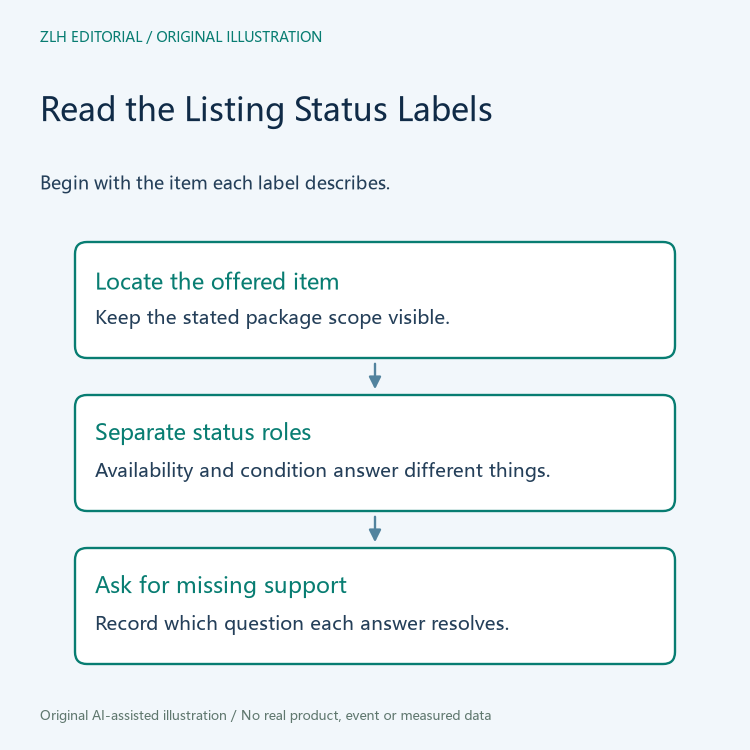
Before interpreting any status, locate the offered object. Does the listing describe an entire robot system, an individual controller, a spare assembly or a service? A label without a clear subject is difficult to use, even if the label itself looks familiar. The reader can preserve the item's stated name and the surrounding description before deciding which questions remain open.
This is an editorial reading method, rather than a claim that all marketplaces use the same data format. A visual card may combine information drawn from several records. If the subject is unclear, ask the listing owner which object a status describes. Do not repair the ambiguity by assuming that every accessory in a photograph belongs to the offer. That would add an inventory claim the supplied wording has not established.
Read availability as its own kind of information
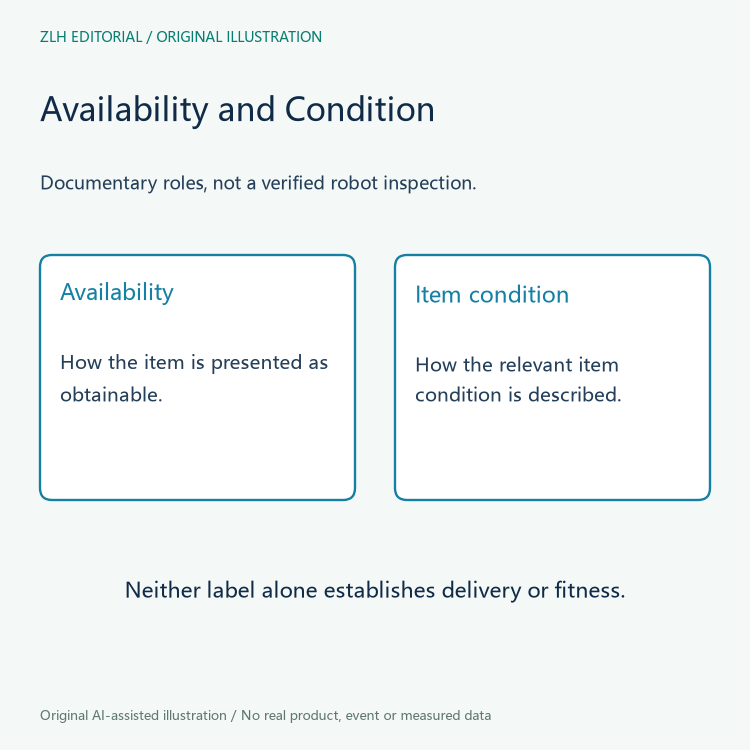
The inspected Schema.org availability property page describes the availability of an item, giving examples such as in stock, out of stock and pre-order. Its expected value type is ItemAvailability, and the property is listed for offers and demands. The page is a development-version vocabulary reference. It explains the term's role without verifying any marketplace's actual inventory.
For a listing review, record the source's exact status wording and where it appears. If a supplier has not explained what “available” means in its own process, keep that question visible. The term may be relevant to a sales conversation, but the reader still needs a specific explanation of the item and proposed delivery. A vocabulary value alone does not establish that a shipment has been booked or that a particular unit has been reserved.
Condition deserves a separate reading and evidence question
The Schema.org itemCondition property page describes a predefined value specifying the condition of the relevant product or service, including items in an offer. It also has a separate use in return-policy descriptions. The reader should identify which usage is present instead of assuming that every occurrence describes the current condition of the robot being advertised.
Even where the property clearly describes the offered product, the value remains a statement to understand. If a project needs details about inspection, configuration or repair history, ask for those records separately. Do not convert a broad condition label into an invented fault history, remaining-life estimate or performance warranty. An accurate transcription of a label and independent support for the condition claim are different outcomes of a review.
Work through a fictional marketplace card
Imagine a fictional card for Robot Package Cedar. It has one label describing availability and another identifying the item as previously used. The photograph shows a controller and an accessory cabinet, while the text names only the robot and controller. A document reviewer can note the two status roles and the unexplained cabinet. There is no need to invent a price, stock count or equipment serial number to make the example useful.
The follow-up should ask whether the cabinet is included and what records support the condition description. Changing the availability label would not answer either question. Likewise, receiving an inspection attachment would not automatically establish the delivery arrangement. If the listing owner revises the card, keep the answer connected to the specific issue it resolves. This prevents one reassuring change from appearing to settle every open item in the transaction file.
Write a bounded listing-reading conclusion
A useful note can say that the listing's availability and condition labels have been identified, while accessory scope and supporting condition records remain unconfirmed. That is a concrete document-review result. It is not a decision that the robot is suitable for an application, nor a claim that the seller can meet a particular schedule. Those questions need their own materials and responsible participants.
Continue reading through the site's reference category and related-information category. Category navigation does not add evidence to a specific offer. When the listing changes, revisit the subject and each label separately, then update only the conclusions supported by the new wording. A clear separation between availability, condition and offered scope makes the next conversation more precise without filling missing information from assumption.


