

Reading a Robot Listing Table: Headers, Scope, and Row Context
2026-11-04
Reading a Robot Listing Table: Headers, Scope, and Row Context
Why a listing table needs a reading plan
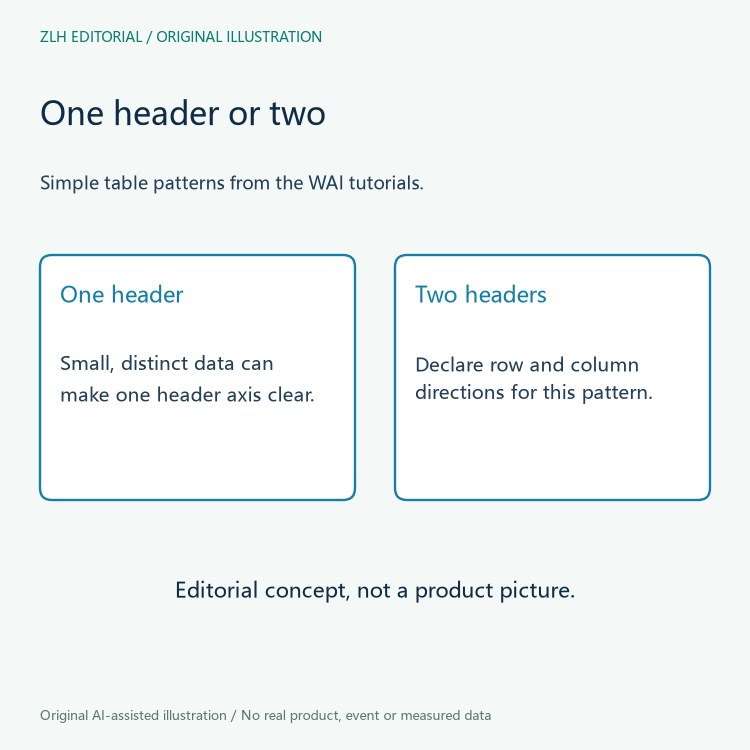
A marketplace page often presents several used robots in one grid, and the grid is easy to scan with the eye but not automatically easy to read with a screen reader or a keyboard. Before judging whether the table is clear, it helps to decide what each cell is supposed to mean. The WAI table tutorials describe tables with a single header row or a single header column as acceptable when the data is small and the columns are distinctly different, because the relationship between header and data is then evident on its own (official primary reference). That observation is about markup structure, not about whether the listing content is accurate.
In a robot marketplace, the first row might carry labels such as "Model," "Controller," "Reach," and "Seller note." If those labels sit above their columns and the values below them differ in kind, a reader can usually infer the pairing. The tutorial notes, however, that some screen readers will read the whole header row together in a data cell when the direction of the header cells is ambiguous, which is why the same page recommends the scope attribute once the data is ambiguous or the table grows.
Think of the header as a promise about direction. A column header promises that everything beneath it belongs to that category; a row header promises that everything to its right belongs to that item. When both promises are present, the table becomes a cross-reference, and the reader needs to know which axis each label governs. That is the core distinction this article keeps returning to.
Column headers versus row headers
The WAI tutorial on tables with two headers explains that a simple row header and a simple column header create a relationship that becomes quickly ambiguous without explicit markup (official primary reference). The scope attribute can be set to col to say that a header applies to the whole column, or to row to say that it applies to the whole row. The same page also recommends a caption element so that a reader moving between tables can identify which table is which.
Apply that to a fictional listing table. Suppose the first column holds a short listing identifier and the top row holds attribute names such as "Arm type," "Payload class," and "Condition note." The identifier in the first column is a row header: it names the item. The attribute names in the top row are column headers: they name the kind of information. A cell at the intersection of a given row and column then carries a value for that item and that attribute. Without the row header, the value floats; without the column header, the value has no category.
The tutorial also includes an offset column of row headers. That example helps a receiving editor avoid deciding a cell role from its position alone. In a hypothetical listing, a reference column might precede a name column. The editor should inspect which cells actually serve as headers and how their relationships are expressed, rather than assume that either first-position text or a bold name settles the question.
When scope becomes necessary
The single-header tutorial is explicit that scope is needed for larger tables with one header row or column, and for tables whose data cannot be distinguished without knowing which header each cell corresponds to. The example given there is a table of first names, last names, and cities, where the values are similar enough that a reader could mix them up. A robot listing can produce the same problem: "UR5," "UR10," and "UR16e" are model names, but "5," "10," and "16" could be read as payload figures if the column header is not firmly attached.
The two-header tutorial adds that the relationship between headers and data cells becomes quickly ambiguous when both a row header and a column header are present. That is the situation in a comparison table where each row is a robot and each column is an attribute. The tutorial's delivery-slots example shows exactly this shape: days across the top, time bands down the side, and "Open" or "Closed" at each intersection. The labels are only useful when they can be assigned to a particular day and time.
For the simple two-axis pattern covered by this tutorial, use header cells and declare the row and column directions. Do not extend that advice to every possible complex table: irregular or multiple-level headers require their own guidance. An editor should identify the actual structure before choosing a technique, rather than count the visible labels and assume a universal rule.
A fictional listing table, read two ways
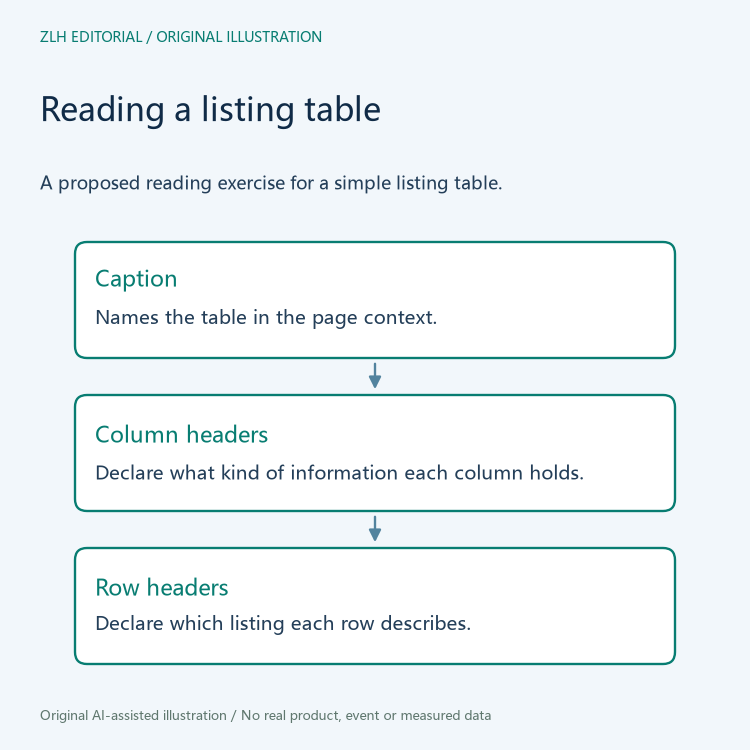
Consider a hypothetical table on a marketplace page. The caption reads "Used arm listings, November review." The top row contains "Listing ref," "Arm family," "Controller generation," and "Seller note." The first column contains "R-104," "R-107," and "R-112." Each remaining cell holds a short text value. No prices appear, and no measurements are given.
In this fictional robot listing table, a receiving editor could choose one data cell and ask two separate questions: which listing does the row describe, and which attribute does the column describe? The row reference and the attribute label answer different questions about that same cell. A review note could record both labels without copying the entire row. This is a proposed documentation exercise; no actual marketplace table or assistive technology was tested.
The WAI tutorials describe a caption as particularly useful for screen-reader users browsing a page in table mode, where they can navigate from table to table. In this fictional example, the caption is what lets a reader confirm they are looking at the November review table rather than a similar table for a different month. The caption does not, by itself, make the data accurate.
Keeping the review proportional
A listing table review should stay inside what the markup can show. The WAI pages are tutorials on implementing accessibility in different situations, and they combine specific WCAG techniques such as H51 for table markup and H63 for the scope attribute. Those techniques describe how to associate header cells with data cells; they do not certify that the listing's content is true, complete, or suitable for a given application.
It is tempting to treat a well-marked-up table as a verified record. The count of headers, the presence of a caption, and the declared scopes are structural facts. They do not establish that the seller's note is honest, that the controller generation is correct, or that the arm family label matches the physical item. A reviewer can note that the table is readable in a structural sense while still recording that the underlying claims remain unverified.
Keep navigation separate from this exercise. Readers can browse the marketplace documentation category and the article directory for related reading. Those category links do not identify a particular existing listing. A table review belongs alongside the relevant record and its evidence, rather than being treated as proof of the equipment itself.
Finally, remember that the tutorials distinguish between a table that is small and straightforward and one that is larger or ambiguous. A fictional three-row table may not need the same markup as a production table with dozens of rows and mixed data types. The reviewer's job is to describe what the current table does, not to declare that the marketplace as a whole meets a standard. Keeping that boundary clear makes the review useful to the next reader and honest about its own limits.


